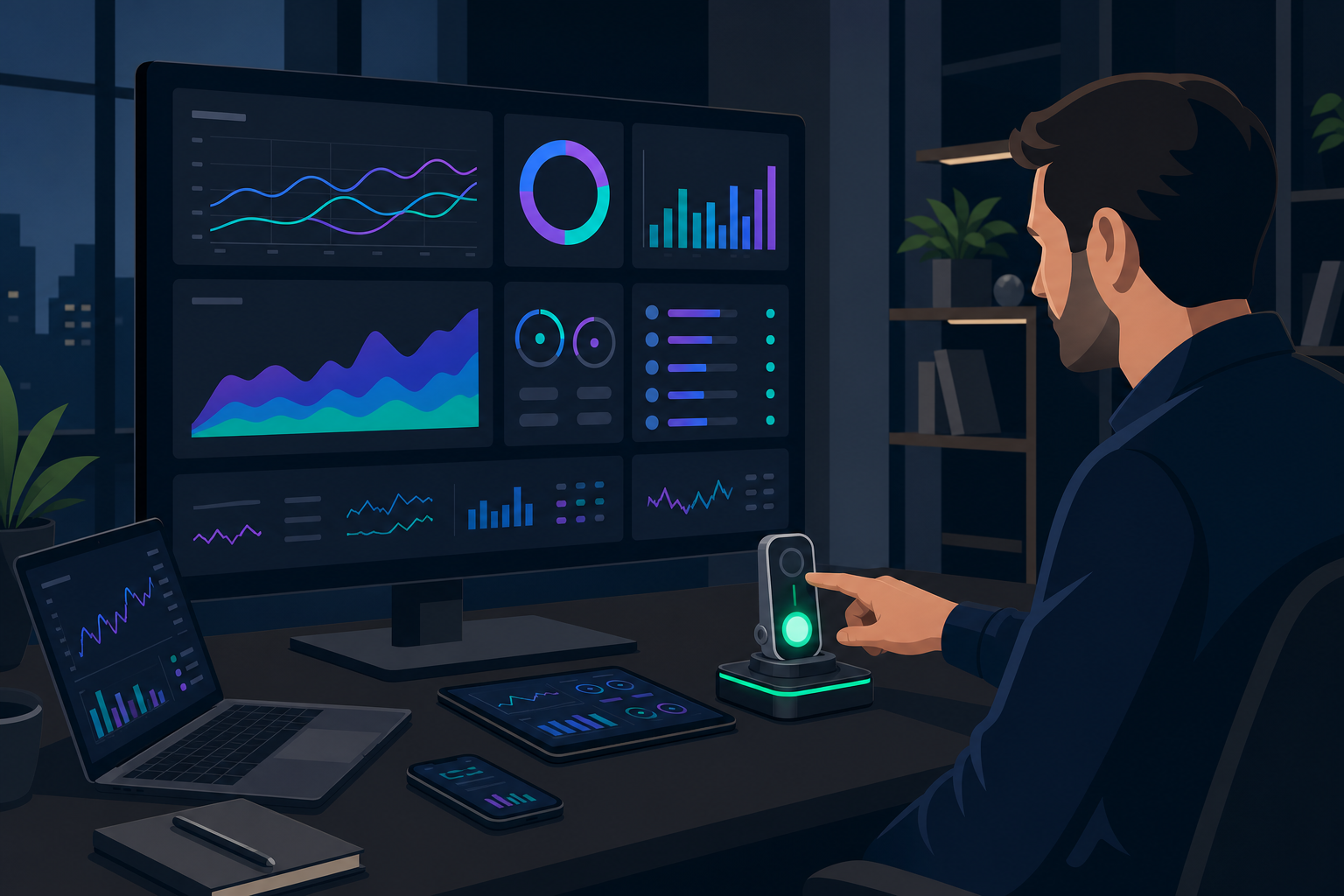
Customer Agent's first wrong answer is going to happen. The only question is whether it happens in front of a customer or in a test. Most of what HubSpot shipped for Service Hub in the Fall 2026 Spotlight, announced at UNBOUND on September 16, is aimed at the second option: batch testing before go-live, coaching after, handoff rules in between, and a knowledge base that flags its own gaps.
This post is for the support or customer success lead who already runs Service Hub and Help Desk. HubSpot's survey found top performers run four AI use cases to delight customers, four of 15, and that analyzing customer feedback was the single highest-impact use case of the 50 it tracked, when a team acts on what it finds. Four is the number we run too, in a safety order. HubSpot's Spotlight page puts the prize at 6.8x more tickets resolved for customers using AI with high-quality context. The case for why context is the Kernel is in Growth Context is your Kernel.
Four use cases, safety first
1. Analyze customer feedback
Kernel and Agents layers. L3. Prerequisite: every channel in Help Desk or Inbox; tickets closed with clean resolutions.
This one comes first because it's the highest-impact use case in HubSpot's data and because it costs nothing to start. Customer Agent's topic organization groups conversations by what customers are asking. Coaching opportunities rank where the agent, or your team, is getting it wrong. Knowledge Base Agent, in public beta as of September 2026, reports the questions your articles don't answer and the articles that have gone stale. Breeze Assistant can now read your full conversation history across channels and answer a question like "what did customers complain about most in August."
None of that works on a support inbox that lives half in Gmail. The prerequisite is every channel routed through Help Desk or Inbox, and tickets closed with a real resolution instead of "done." Service Hub onboarding fixes the routing and the close discipline; Content Strategy turns the gap report into articles.
2. Customer Agent, with handoff
Agents layer. L3. Prerequisite: a knowledge base that covers the top 20 topics; handoff guidelines written; a batch test on 100 real tickets before go-live.
Customer Agent now answers across chat, email, voice, and social, takes actions from a library you approve (look up an order, send a payment link, update a record), and hands off to a human with the full context of the conversation. Fallback routing decides what happens outside your hours. Audience segments and email targeting decide who it talks to at all.
The prerequisite is the knowledge base, and the knowledge base is Voice-layer work: support content written as training data for an agent that will quote it. A thin knowledge base produces the low-impact version of Customer Agent, the one that answers vaguely and escalates everything. Low impact is low context. Customer education content in HubLMS feeds the same agent. The handoff guidelines are a policy you write before go-live, naming what the agent must escalate and how. Agent Governance and Audit owns that document for clients running agents in production.
3. Churn risk, with a health agent
Kernel and Agents layers. L3. Prerequisite: conversations logged; renewal deals tracked; product usage events in HubSpot.
The new churn risk signal reads emails, calls, and notes and flags accounts that sound like they're leaving. Customer Success Revenue Reporting shows what those accounts are worth, and Product Usage Tracking shows whether they're still using what they bought. Build a health agent in Agent Builder that watches all three and opens a task when the signal turns, and your CS team hears about churn before the cancellation email arrives.
The prerequisite is instrumentation. Renewal deals have to exist as deals. Usage events have to arrive in HubSpot from your product, which is an integration, and Data Architecture and Integrations is where we build it.
4. The weekly coaching loop
Agents layer. L3. Prerequisite: one owner and one hour a week.
Batch testing runs the agent against a sample of real tickets before it talks to a customer and shows you the answers it would have given. Coaching opportunities and insights show you where it's drifting after go-live. The knowledge generator turns resolved tickets into draft articles that close each gap. Put those three in a calendar invite with one owner, and the agent gets better every week.
Kim Cormier of RevenueWell described the same loop from the sales side on the UNBOUND panel: her agents needed training like a new hire, and her team never took its hands fully off the wheel. This is the Operate move in our method. It's the part that compounds.
Switch-on order, 30 days
Week 1. Customer Agent auto setup from past conversations. Batch test on 100 real tickets. Read the topic report and the knowledge gaps. Do not deploy.
Week 2. Knowledge generator and Knowledge Base Agent on the top 20 topics. Write the handoff guidelines.
Week 3. Deploy to one channel (one email segment, or chat) with fallback routing on. Start the weekly coaching review.
Week 4. Churn risk signal on. One health agent in Agent Builder. Check Customer Success Revenue Reporting for renewals at risk.
Also shipped for service
- Customer Agent voice (public beta). The agent takes phone calls. Test it in chat first.
- Deployment recommendations. HubSpot suggests where to deploy the agent based on your SLA data.
- Invoice support and payment links. The agent finds the invoice and takes the payment inside the conversation.
- SMS in Help Desk (public beta). A support number your customers can text.
- Omnichannel waitlist (public beta) and ticket reopening rules. Capacity per rep, and what happens when a closed ticket comes back.
- Sequential IVR routing. Phone menus that route in order.
- Conversation access in Claude. Full conversation history across chat, email, SMS, WhatsApp, and Messenger, available to Claude through the HubSpot connector. That's an L4 capability, and it needs app governance first.
FAQ
What is HubSpot Customer Agent?
Customer Agent is HubSpot's AI support agent. It answers customer questions from your knowledge base across chat, email, voice, and social channels, takes approved actions, and hands off to a human with full context when it can't resolve. The Fall 2026 Spotlight, announced at UNBOUND, added batch testing, coaching, topic analysis, and an actions library.
How do I test Customer Agent before going live?
Use batch testing. It runs the agent against a sample of your real, resolved tickets and shows the answers it would have given, so you can grade them before a customer sees one. Start with 100 tickets, fix the knowledge gaps it exposes, and run it again before deploying to a single channel.
What is the HubSpot churn risk signal?
The churn risk signal reads the emails, calls, and notes logged on an account and flags accounts showing signs of leaving. It only works on accounts whose conversations are logged in HubSpot, and it's most useful paired with renewal deals and product usage data so you can act on the flag.
Can Customer Agent answer phone calls?
Yes. Voice is new in this release and in public beta, so Customer Agent can handle inbound calls using the same knowledge and handoff rules as chat. Test the knowledge base in chat first; a wrong answer on a call is harder to catch.
What is Knowledge Base Agent?
Knowledge Base Agent reviews your knowledge base against your ticket history, reports the questions your articles don't answer, suggests new articles, and flags ones that have gone out of date. It's in public beta, and it's the tool that keeps Customer Agent's source material current.
See where this lives in your intelligence layer. Want your level first?
Book the Diagnostic.

 Remington Begg
·
·
6 min read
Remington Begg
·
·
6 min read